
An independent event
Start with an occasion already underway.
A scene in motion. The party at the threshold.
Bring the party into an event already underway with first reactions, a polite exit, two useful choices, possible cost and an unexpected upside.
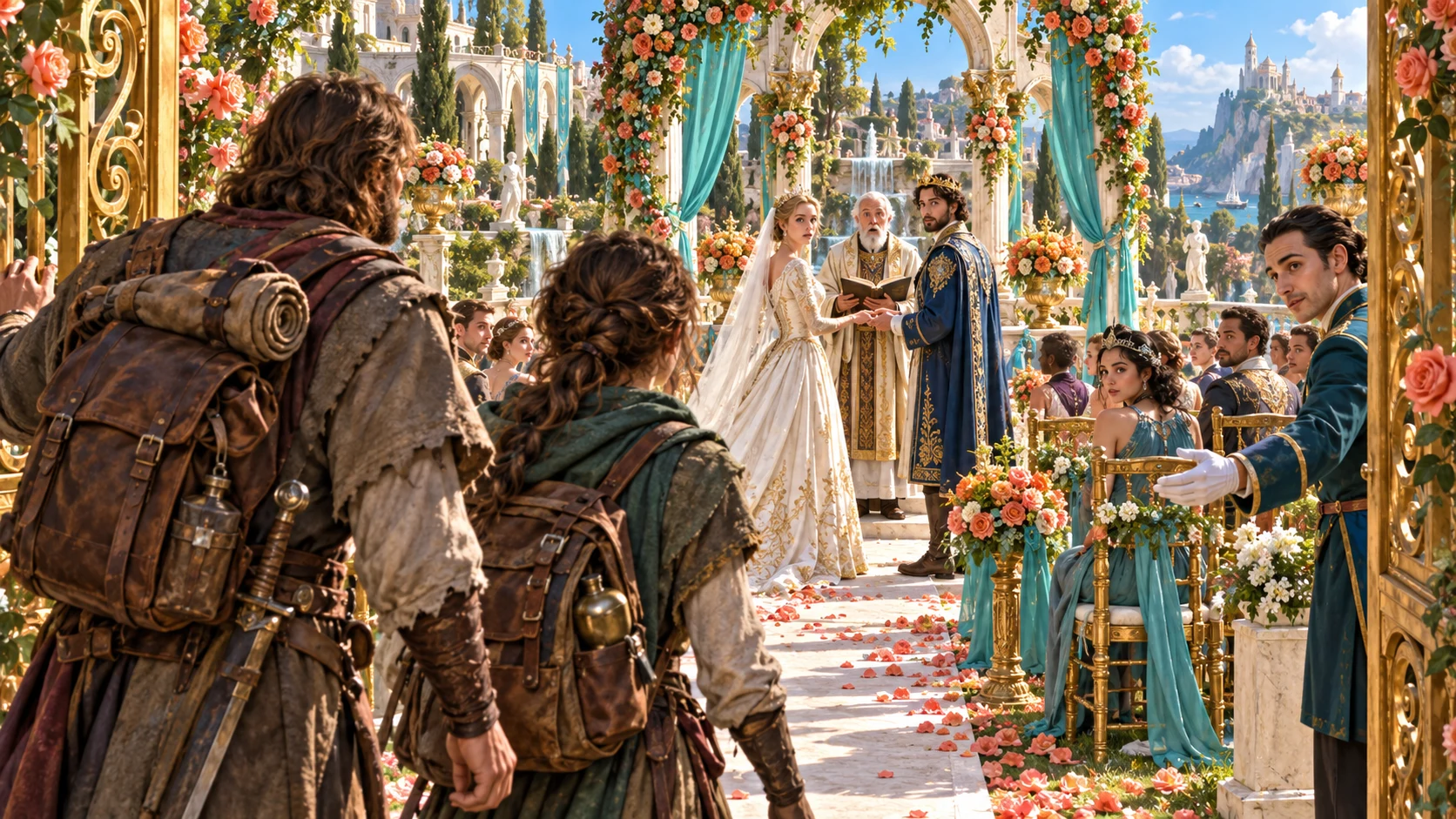
The scene was already happening
Put the party into a living scene at an inconvenient moment.
Start with an occasion already underway.
Describe how people receive the arrival.
Offer a polite exit and two useful actions.
Develop a possible cost, upside and future hooks.
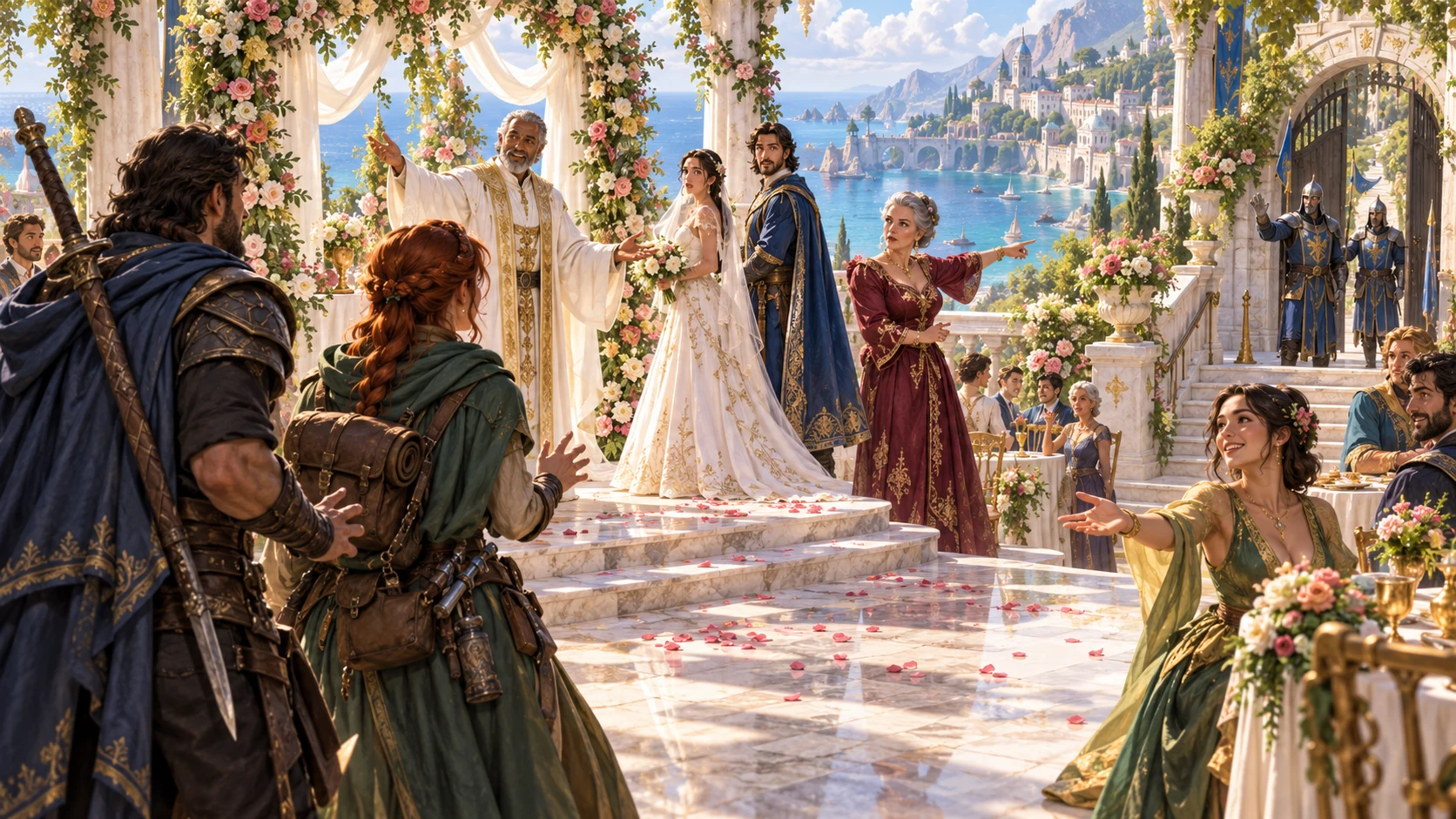
Begin with the party at the threshold
Name the party and describe their arrival, destination or activity.
Choose severity and tone, then set the occasion and reception or let them fit the result.
Add a party fact, details to avoid and private Dungeon Master context.
Four steps to the arrival
Describe where the party is going or what they are doing.
Begin with the party and destination or activity.
Choose the severity and tone of the arrival.
Add event, reception, party fact and details to avoid.
Review choices, hooks and audience view, then copy or export.
Your badly timed arrival workspace
Prepare immediate social pressure and useful forward movement.
Arrive at a scene already in motion.
Choose slightly bad through the worst timing in history.
Show how the arrival lands with people present.
Prepare an exit the party can consider.
Offer choices that move the scene forward.
Explore possible cost and an unexpected opportunity.
Keep two hooks, two tips and a private note.
Revise library versions and export the right audience view.
Six scales. Many occasions.
Choose the level and context the scene needs.
Start with slightly bad or awkward timing.
Increase the pressure of the arrival.
Choose disastrous or the worst timing in history.
Explore ceremonies, meetings, arguments, surprises or a late arrival.
Keep the arrival that fits
Shape the scene around your campaign.
Edit and reroll the parts you want to refine.
Keep details that suit the occasion.
Save, reopen or duplicate an arrival scene.
Connect the account to campaign place and context.
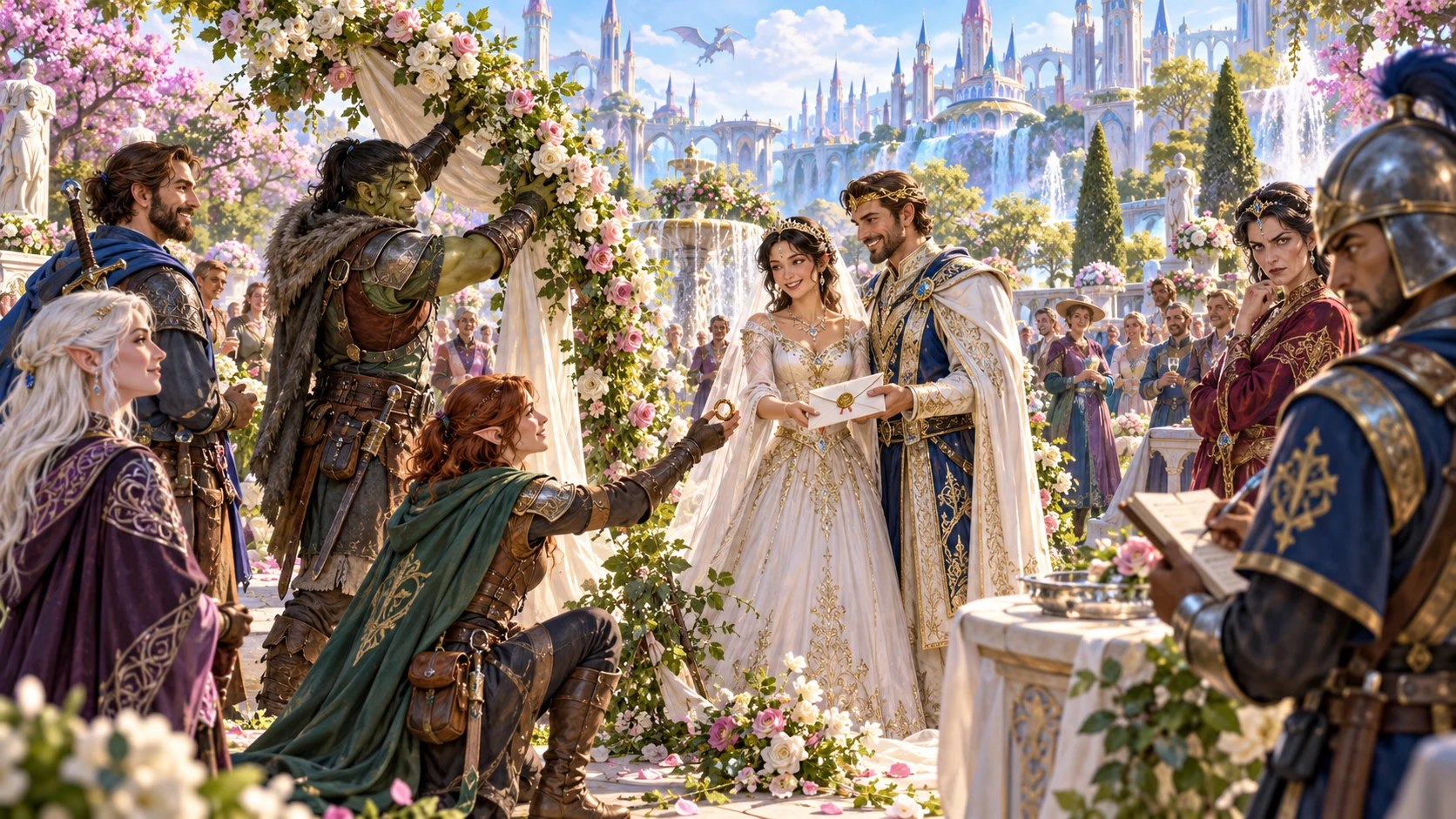
The arrival, reaction and way out
Review what is already happening and how the party arrival lands.
Consider the polite exit, two suggested actions, possible cost and unexpected upside.
Keep hooks and table tips useful, then choose the DM or reviewed player brief before copying, JSON export or print.
Suggested choices. Player decisions.
Keep the badly timed entrance open to play.
Enter an independent event already in motion.
Use inconvenient timing without a dead end.
Offer leaving, explaining, helping or involvement.
No automatic fight, applied penalty or Combat Pro transfer.
Generator access and pricing
Choose access for this selected generator or an eligible pack.
Review current standalone access and pricing.
Check whether a current pack includes this generator.
Use your account to review premium product access.
Create a free VISINVOKE account; premium access remains separate.
VISINVOKE means value
Bring the ongoing scene and party options together.

The event already matters before the party arrives.
Understand how the arrival lands.
Offer a polite exit and two useful actions.
Save versions with tags, notes and future hooks.
Explore your VISINVOKE workspace
Each card opens its own product website. Review purpose and access separately; related products do not promise included access or automatic synchronisation.

Open your VISINVOKE desktop products.
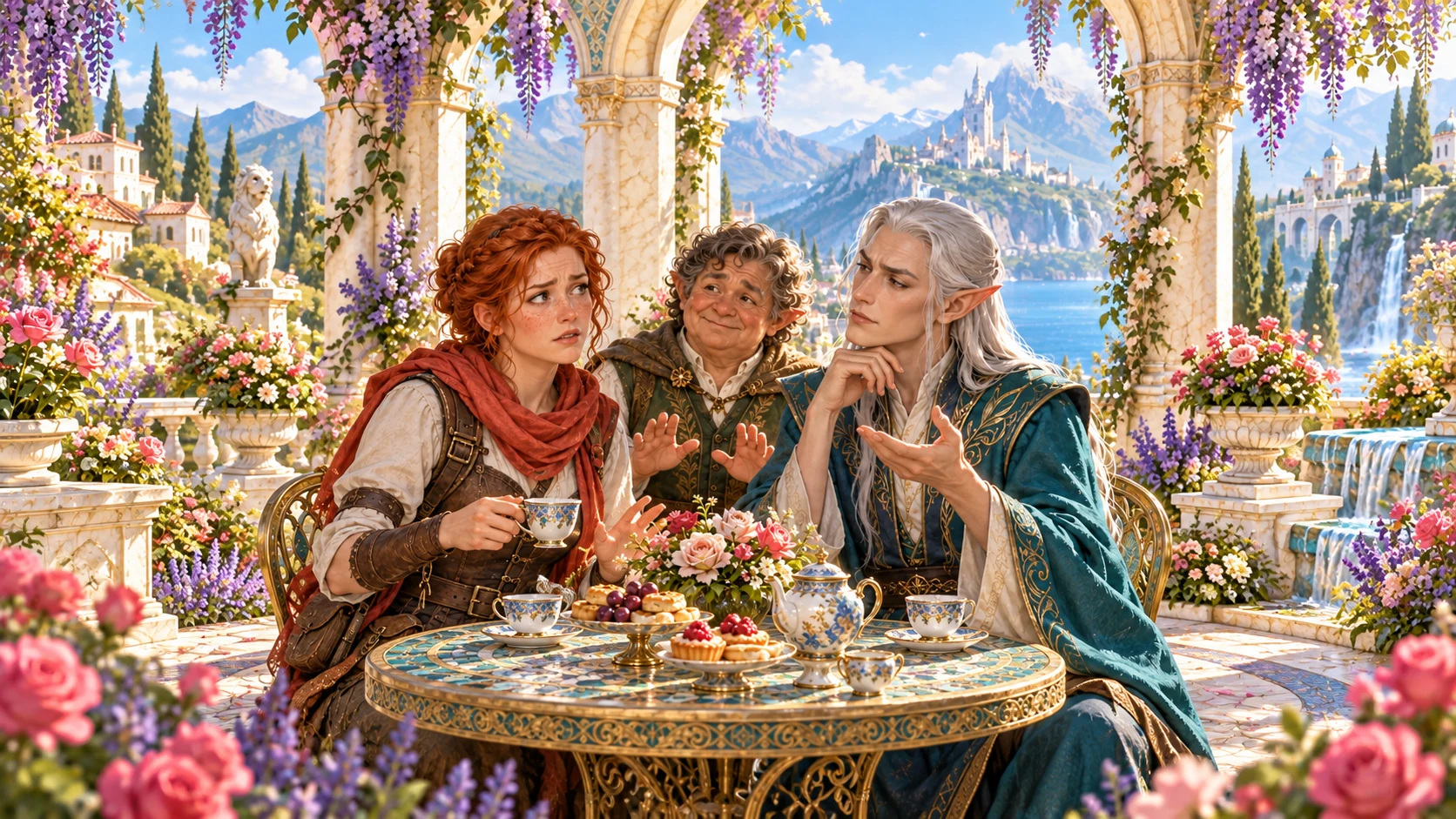
Prepare a live exchange after an established social mistake.

Build the wider setting around your campaign.

Develop the places your party travels through.

Explore separate adventure environments.
Explore separate fantasy image creation.
Product artwork is illustrative, not application screens or actual generated image output.
Quick answers
Understand occasions, scales, saved scenes, sharing and player decisions.
This generator puts the party at the threshold of an independent event already underway. Prepare what they walk into, how the arrival lands, a polite way out, two useful things they could do, a possible cost, unexpected upside, two story hooks, two table tips and a private Dungeon Master note.
Arrive during a funeral, wedding, secret meeting, crime, sacred ceremony, family argument or surprise, or arrive just too late. Choose six scales: slightly bad, awkward, bad, terrible, disastrous or the worst timing in history. The arrival is not treated as automatic failure.
Quick preparation names the party and arrival or activity, then chooses severity and tone. The result centres on the first two party members named. In deeper preparation, choose what they walk into and how it lands, or let those details fit the result, then add a party fact, details to avoid and private DM context.
Edit and reroll individual sections, lock useful details and save versions to your library. Reopen earlier versions or duplicate a result to explore another reception. Add tags and notes to connect the scene to its place in your campaign.
Copy, export JSON or print the DM version or player-safe arrival brief. The player view covers arrival, reception, polite exit, suggested actions, hooks and tips while omitting the private note and DM context; review the chosen view before sharing. Players decide whether to leave, explain, help or become involved. The generator does not start a fight, apply mechanics or penalties, or send anything to Combat Pro.
Create a free VISINVOKE account, review current account plans for the selected generator or an eligible pack, then use your account installer page for Desktop Command Centre. Open the generator in your desktop workspace. Free account creation is separate from premium generator access.
Continue in VISINVOKE
Create a free VISINVOKE account and review current generator access.
Use your account installer page for Desktop Command Centre.
Open Terrible Timing Generator from the Generators collection.